
Easiest software for designing print and pdf materials
Why Finding the Right Design Software Matters for Your Business
The easiest software for designing print and pdf materials can transform how you create professional marketing materials. Whether you need business cards, flyers, or brochures, the right tool means the difference between struggling with complex features and getting polished results in minutes.
Quick Answer: Top Categories of Easy Design Software
- Web-based platforms – Drag-and-drop simplicity with templates
- Professional desktop publishing – Advanced control for complex layouts
- Free open-source tools – Powerful features without the cost
- Presentation software – Use familiar tools for simple PDFs
The challenge is choosing software that balances ease of use with professional quality. As one designer shared, the right primary tool can streamline an entire workflow, even when photo editing and illustration tools are also used. Your software choice directly impacts whether your printed materials look amateur or professional.
Features like CMYK color support, bleed margins, and high-resolution output separate tools that create truly print-ready files from those that just make pretty pictures on screen.
Over the past decade, I’ve helped more than 500 small business owners with their design software choices. Through this experience with the easiest software for designing print and pdf materials, I’ve seen how the right tool can cut design time by 90% while dramatically improving results.
Why Your Software Choice Matters for Print and PDF Quality
Your design software is the foundation that determines whether your business cards look crisp and professional or end up in the trash. Many business owners get frustrated when designs look great on screen but terrible when printed. The culprit is often software not built with print quality in mind.
A professional appearance starts with the right foundation. When customers hold your brochure, they make split-second judgments. Pixelated images, mismatched brand colors, or cut-off text send the wrong message. The easiest software for designing print and pdf materials should handle the technical details, letting you focus on creating impressive designs.
The biggest challenge is the difference between screen and print. Your monitor uses RGB (Red, Green, Blue) light, while printers use CMYK (Cyan, Magenta, Yellow, Black) ink. If your software only works in RGB, that vibrant blue on screen might print as a dull purple.
Professional design software lets you work in CMYK mode, so what you see is closer to what you get. Advanced tools even use ICC color profiles to ensure brand colors stay consistent across all materials.
Resolution is another critical factor. For crisp printed images, you need at least 300 DPI (dots per inch). A photo that looks great on your website at 72 DPI will appear pixelated on a flyer. Good design software helps manage image resolution, warning you if an image isn’t sharp enough for print.
Bleed and margins are crucial for a professional finish. Bleed is extra space around your design to prevent white edges after cutting. Margins keep important text and logos safely away from the edge. Print-focused software includes guides and rulers to simplify this process, often with automatic checks to catch problems before you print.
The right software creates print-ready PDF files with these technical requirements built-in, meaning fewer reprints and lower costs. For businesses serious about their marketing, exploring professional advertising print solutions can show how proper print design can lift a brand.
Key Features to Look For in Design Software
Finding the easiest software for designing print and pdf materials means looking for a tool that makes your work faster while delivering professional results. Here are the key features to consider:
-
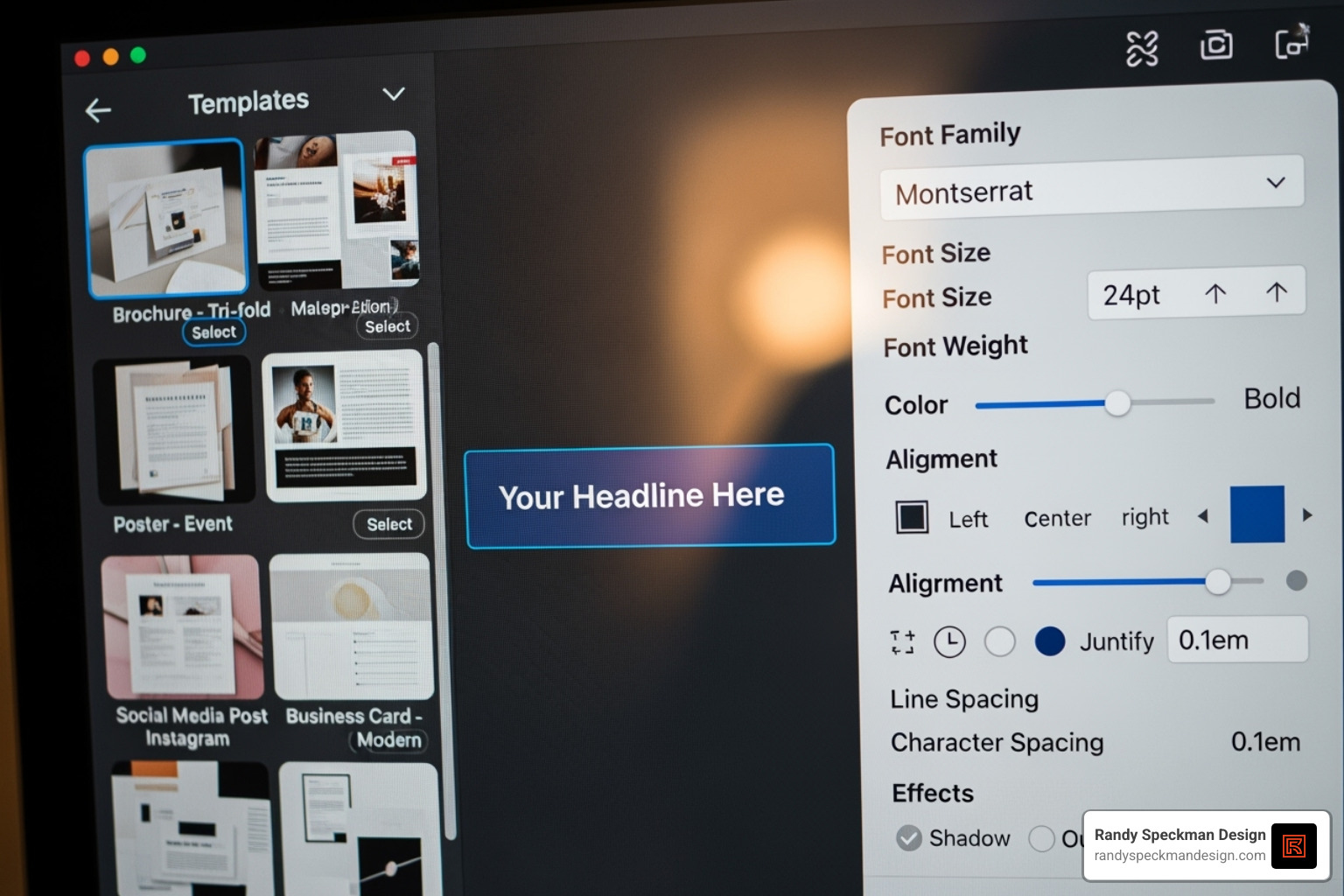
User-Friendly Interface: The best tools are intuitive, often with drag-and-drop functionality. Clear menus and logical workflows mean you spend more time creating and less time hunting for features.
-
Template Library: A robust template library offers professionally designed starting points for brochures, flyers, and reports. These are built with proper margins and layouts that work well in print.
-
Typography Tools: Precise control over fonts, sizes, and spacing is essential for readability. The ability to adjust line and letter spacing (leading and kerning) creates a polished look.
-
Layout Control: Look for rulers, guides, and alignment features to arrange elements perfectly. For multi-page documents, layers and master pages help maintain consistency.
-
File Format Compatibility: Your software should handle common formats like PDF and other industry-standard files. This is crucial when working with team members or professional printers.
-
Collaboration Features: Real-time sharing and comment systems streamline teamwork and eliminate confusing email chains, allowing your team to review designs instantly.
-
Print-Ready Export Options: This is vital. The software must offer CMYK color conversion, font embedding, and bleed settings. Support for standards like PDF/X ensures your files will print correctly.
When these features work together, you get software that’s easy to use and produces professional-quality results. The key is finding the right balance for your needs and skill level.
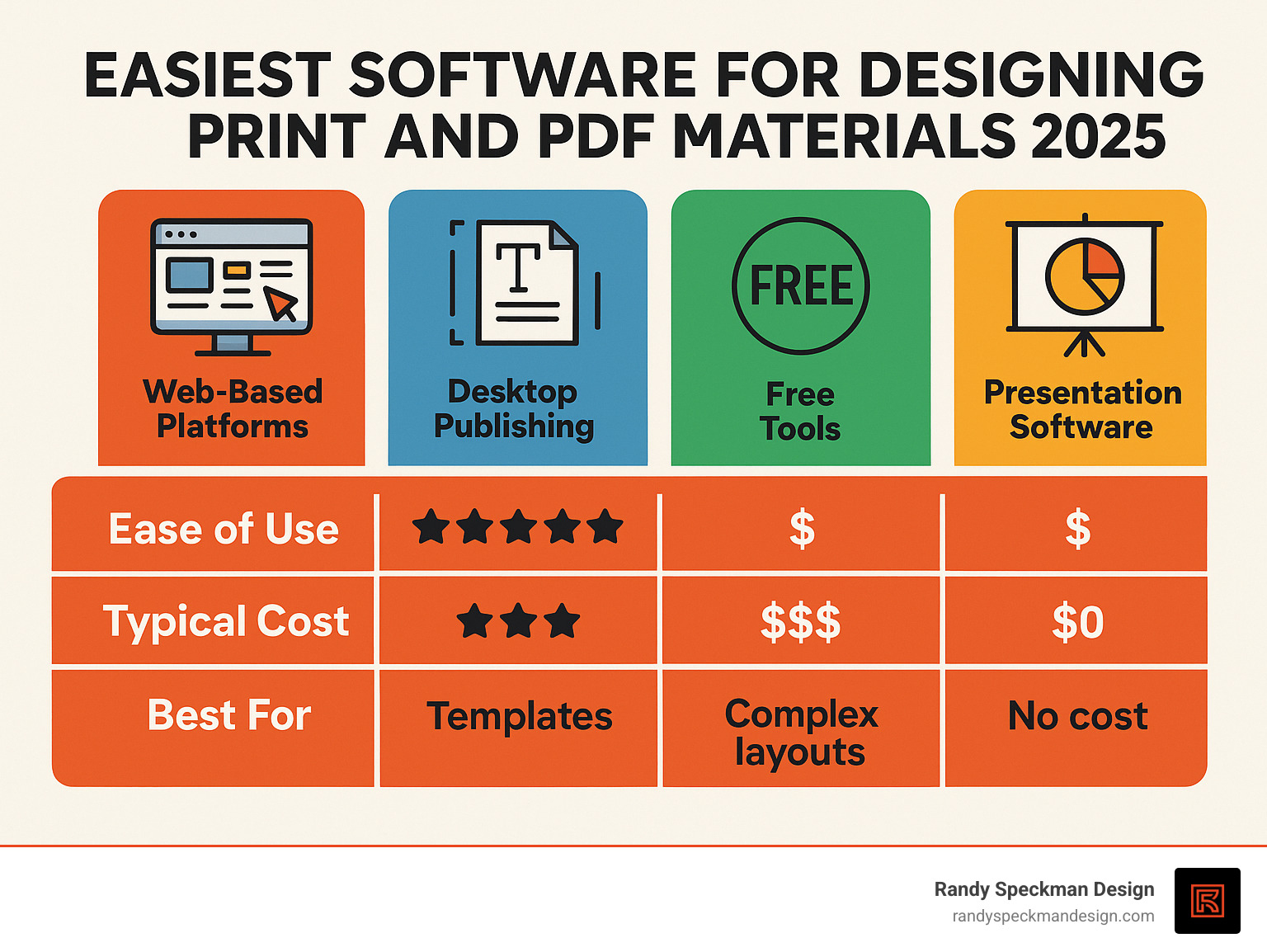
The Easiest Software for Designing Print and PDF Materials: 4 Categories to Consider
When you’re searching for the easiest software for designing print and pdf materials, the truth is there’s no magic one-size-fits-all solution. What works perfectly for a small business owner creating simple flyers might frustrate a marketing team designing complex brochures. The “easiest” choice really depends on your specific needs, budget, and how much control you want over your final design.
Think of it like choosing a vehicle. A bicycle might be the easiest way to get around your neighborhood, but you wouldn’t use it to move furniture across town. Similarly, the software that’s easiest for you depends on what you’re trying to accomplish.
I’ve organized the options into four main categories to help you find your perfect match. Each category serves different needs, from absolute beginners who want quick results to professionals who need complete control over every design element.
| Category | Ease of Use | Cost | Best For | Key Features |
|---|---|---|---|---|
| Web-Based Platforms | Very High | Free to $15/month | Simple designs, beginners | Templates, drag-and-drop, collaboration |
| Professional DTP | Moderate | $20-60/month | Complex layouts, professionals | Advanced typography, CMYK, multi-page |
| Free Open-Source | Moderate | Free | Budget-conscious users | Professional features, community support |
| Presentation Tools | Very High | Free to $10/month | Quick PDFs, familiar interface | Easy collaboration, widely available |
Web-Based Drag-and-Drop Platforms: The Ultimate in Simplicity
For the absolute easiest experience, web-based platforms are your best friend. They are designed to get you from idea to finished design as quickly as possible, with almost no learning curve. Their intuitive drag-and-drop editors are simple: just point, click, and create. As one user noted, “You don’t need to be a graphic design expert to create great things.”
Pre-made templates are their secret weapon. You get hundreds of starting points for menus, flyers, or presentations. Just swap in your text, colors, and images. Collaboration features are also a major plus, allowing teams to work on designs together in real-time without messy email chains.
Most platforms use a subscription model, with free basic plans and paid tiers around $15 per month. They excel at social media graphics, simple flyers, and internal presentations. While perfect for quick, professional-looking results, they may lack advanced print features like precise color control. If you’re in the restaurant business, these platforms can help you design an eye-catching restaurant menu without breaking the bank.
Professional Desktop Publishing (DTP) Applications: For Best Control
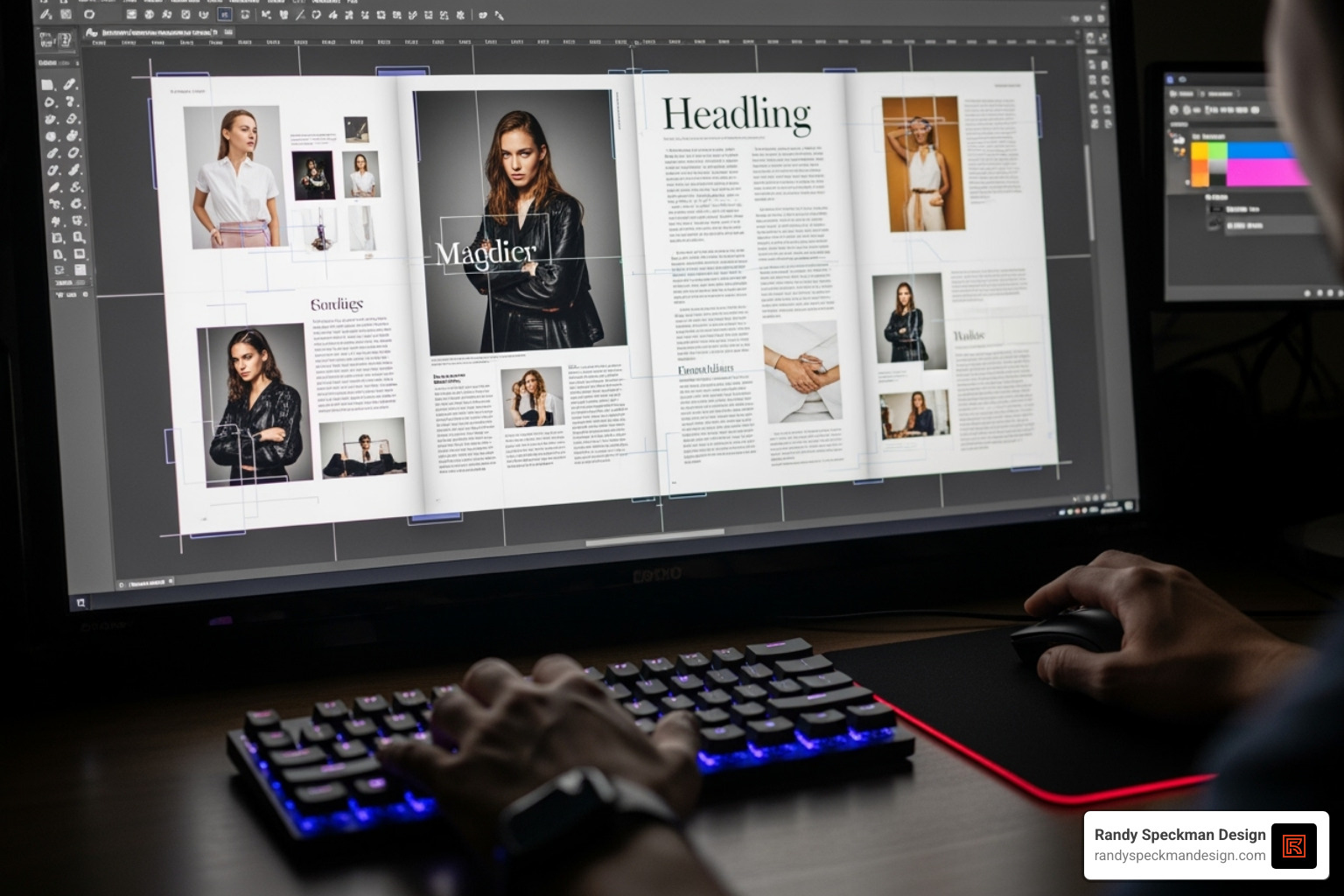
When you need absolute control, professional desktop publishing (DTP) applications are the gold standard. These are the tools used to create magazines, books, and high-end brochures.
Industry-standard DTP software offers the pinnacle of layout control and precision. While the learning curve can be steep, the results are in a different league. Extensive online tutorials are available to help you master these powerful applications. Key strengths include total layout control and advanced typography, allowing you to fine-tune every detail for professional readability.
These applications excel at multi-page documents like catalogs and books, handling large projects smoothly. Subscription-based pricing typically ranges from $20 to $60 monthly. For professionals, the investment often pays for itself in efficiency and quality.
These tools are best for designers, publishers, and businesses creating complex print materials that demand perfect color accuracy and sophisticated layouts. They’re ideal for projects like interactive print brochures that need to impress clients.
Free & Open-Source DTP Software: The easiest software for designing print and pdf materials on a budget
For budget-conscious users, free and open-source DTP software offers professional features without the price tag. Don’t mistake no cost for “inferior”; these applications pack surprising power. As one user described a popular option, it’s “full-featured and powerful… for highly layered, sophisticated, professional page layouts.”
Powerful features often rival paid alternatives, including support for multi-page layouts, advanced typography, and professional print exports. A key benefit is the strong community support from passionate users who create extensive tutorials and forums to help you solve problems.
The main drawback can be a dated interface that feels less polished than modern commercial software. However, these tools critically support CMYK color modes and PDF/X export formats, ensuring your files meet professional printing standards.
This category is best for users willing to invest learning time to get professional capabilities without subscription costs. They’re excellent for creating brochures, newsletters, and books on a tight budget.
Repurposed Presentation & Document Tools: Using what you already have
Sometimes the easiest software for designing print and pdf materials is already on your computer. Standard presentation and document tools can be surprisingly effective for creating simple print materials and polished PDFs.
The biggest advantage is the familiar interface. If you’ve ever made a slideshow or written a report, you already know how to use them. There’s no learning curve, and these tools are widely available and often free or included with office software.
Their lightweight nature is perfect for creating simple brochures or reports to be shared as PDFs. However, the main drawback is their limited print features. You won’t find native CMYK support or bleed controls, so files may need adjustments for high-end printing.
These tools are best for internal reports, simple flyers, and quick PDF creation. They offer a fast, familiar path to professional-looking documents for everyday business needs. For specialized applications, you can make the most of simpler tools through professional restaurant print marketing services.
Frequently Asked Questions about Design Software
When choosing the easiest software for designing print and pdf materials, many people have the same concerns. These questions usually pop up right when someone’s excited about their new design project but suddenly realizes there’s more to printing than just hitting “print.” Let’s tackle the big ones.
How do I ensure my colors look the same in print as they do on screen?
This is a common frustration, but it’s preventable. Your screen uses RGB (light) and printers use CMYK (ink), which are different color languages. To ensure consistency:
- Use CMYK Color Mode: Design in CMYK from the start. Good print design software allows this, so what you see is closer to the final printed piece.
- Calibrate Your Monitor: A calibration device ensures your screen displays colors accurately.
- Use Color Profiles (ICC): These act as translators between your screen, software, and the printer to maintain color consistency. Learn more about ICC profiles.
- Request a Printed Proof: Always get a physical proof from your printer before a full run. It’s the ultimate safety net to check colors on the final paper stock.
What’s the difference between vector and raster graphics?
Understanding this is key for quality results.
-
Vector Graphics (e.g., AI, EPS, SVG): These are made from mathematical equations. They are infinitely scalable without losing quality, meaning a logo can be resized from a business card to a billboard and remain perfectly crisp. Use vector for logos, illustrations, and text. More on vector graphics.
-
Raster Graphics (e.g., JPG, PNG, GIF): These are made of pixels, like a digital photograph. They are ideal for photos with complex color details. However, raster images lose quality when enlarged, which is why a small web image looks blurry when printed large. For print, always use high-resolution raster images (at least 300 DPI). More on raster graphics.
Can I design a professional logo with the easiest software for designing print and pdf materials?
It depends on your definition of “professional.”
Yes, for simple needs. Web-based, drag-and-drop tools are great for creating clean, straightforward logos for social media or internal documents. Their templates and simple interfaces make it easy to combine shapes and text into a polished design.
However, for a truly versatile brand logo, vector-based software is essential. A professional logo must be scalable for everything from business cards to billboards without losing quality. It also needs to be designed to work in full color, black and white, and across various media. A logo created in basic software may not meet these technical requirements.
Logo design is more than just software; it’s about brand strategy. For guidance on planning your logo, you can often find free logo planners online.
Conclusion: Choosing the Right Tool for Your Design Goals
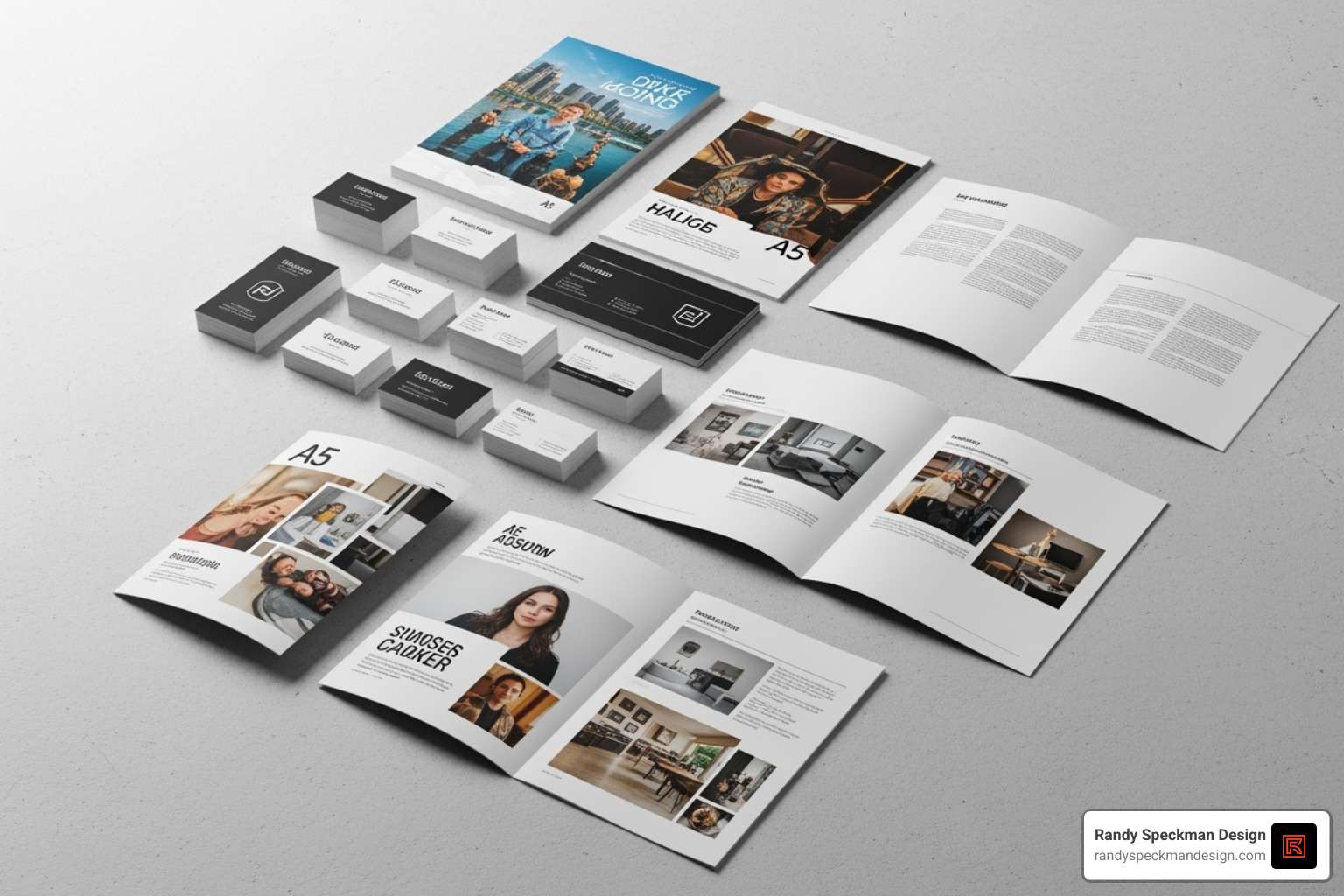
There is no single answer to finding the easiest software for designing print and pdf materials. The best choice depends on your project’s complexity, budget, and skill level.
- For beginners, web-based platforms offer the gentlest learning curve for creating professional-looking flyers and brochures.
- For budget-conscious users, free and open-source options are powerful but require more patience to master.
- For professionals, desktop publishing applications provide precise control for complex projects, despite a steeper learning curve.
My advice is to start where you feel comfortable and grow from there. Many business owners begin with simple tools and move to more advanced software as their needs expand. The key is to match the tool to the task. The best software is ultimately the one you’ll use consistently to create materials that serve your business goals.
While these tools are powerful, a professional touch can make the difference between good and exceptional. Professional designers know your marketing materials must do more than look pretty—they need to drive results. Their expertise in digital strategy and conversion optimization ensures your designs work as hard as you do.
Whether you’re tackling design projects yourself or need expert guidance, help is available. Seeking expert help with your graphic design needs can show you how professional design can transform your business.